Our Data Recovery Services in Manitoba
We recover data from a wide range of storage devices used by individuals, businesses, organizations, and IT departments throughout Manitoba. Our team handles everything from personal computers and external drives to complex business storage systems, helping clients regain access to important files, documents, photos, databases, and other critical data.
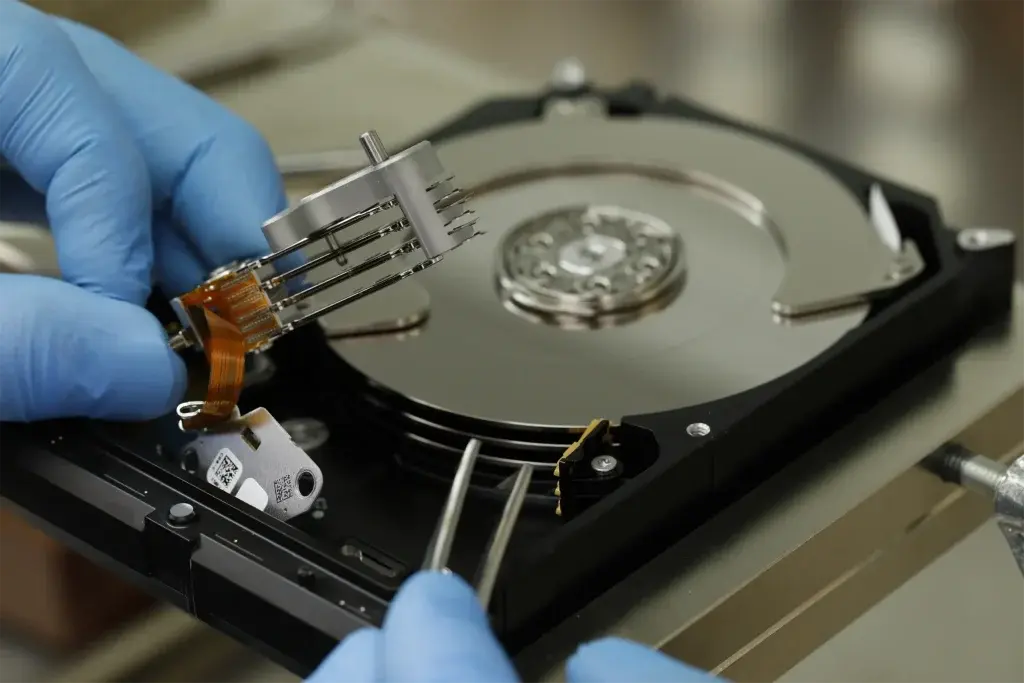
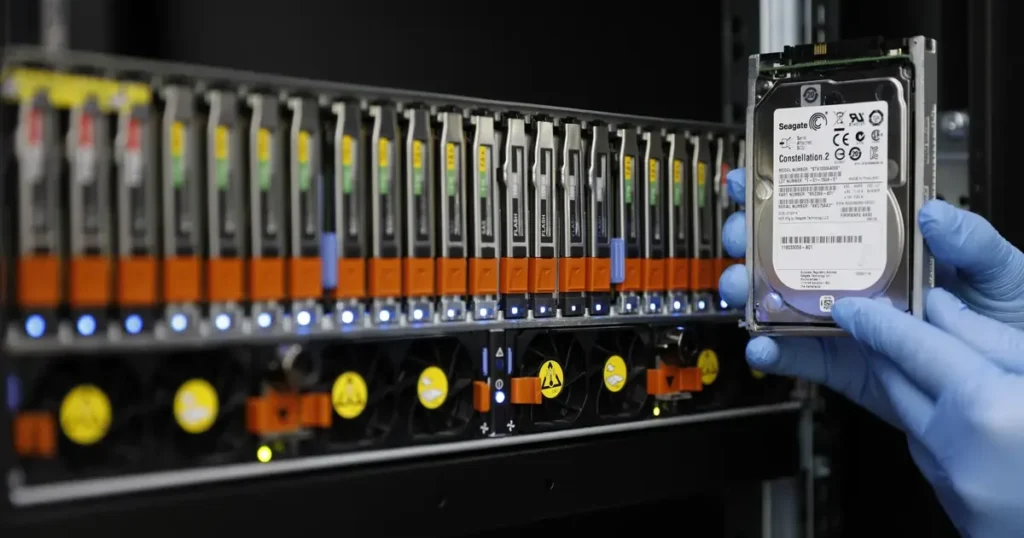
Hard Drive Data Recovery
Recovery from HDDs with mechanical failures, logical errors, or physical damage, for all makes and models.
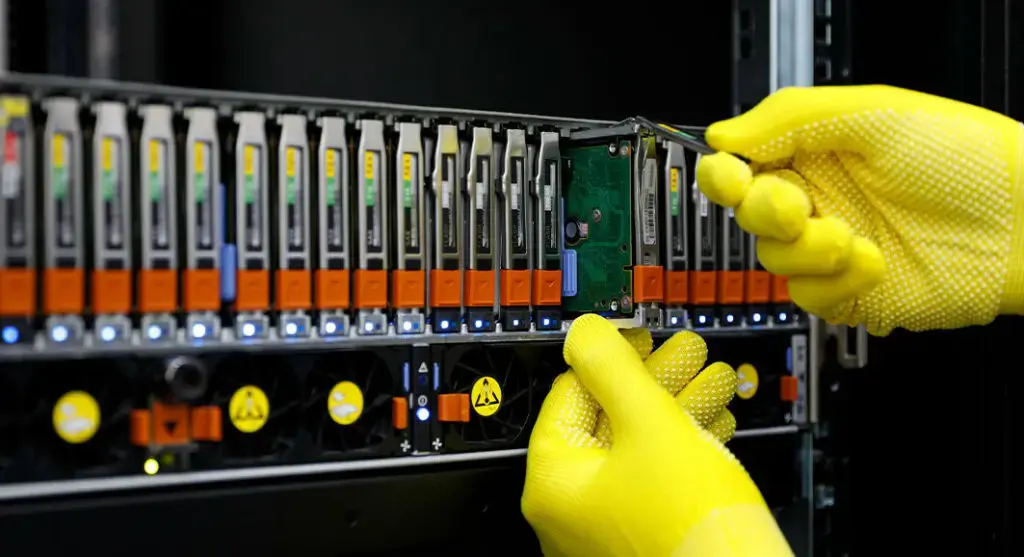
RAID Data Recovery
Rebuilding of failed RAID arrays after multiple drive failures, parity loss, or degraded modes, across SAN, NAS, and virtual environments.
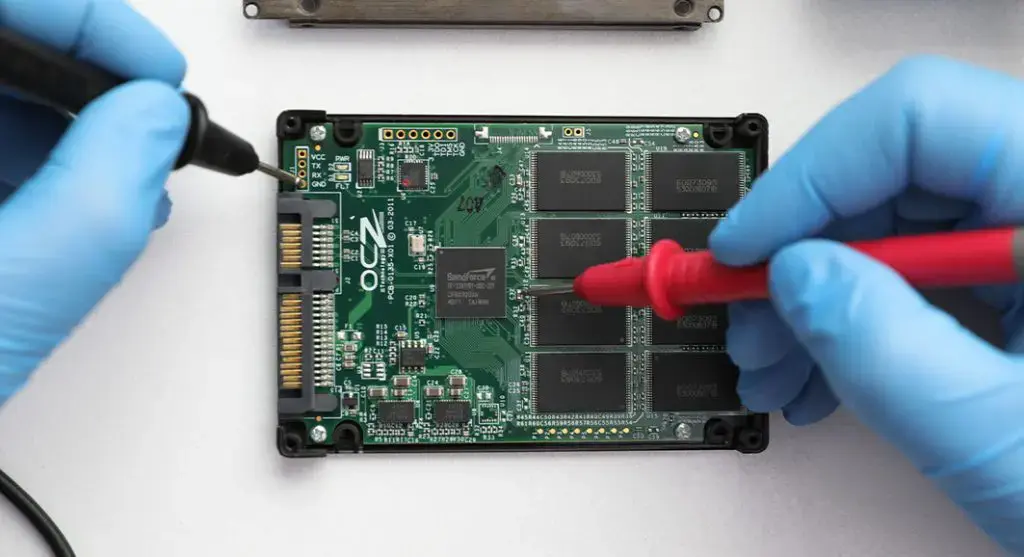
SSD Data Recovery
Recovery from failed or corrupted SSDs, including controller and NAND flash failures, for every make and model.
External Drive Recovery
Recovery from clicking, beeping, or undetected external drives, including broken USB ports and internal failures.
Flash Drive Data Recovery
Recovery from broken or corrupted USB drives, including damaged connectors and monolithic chips, for any brand.
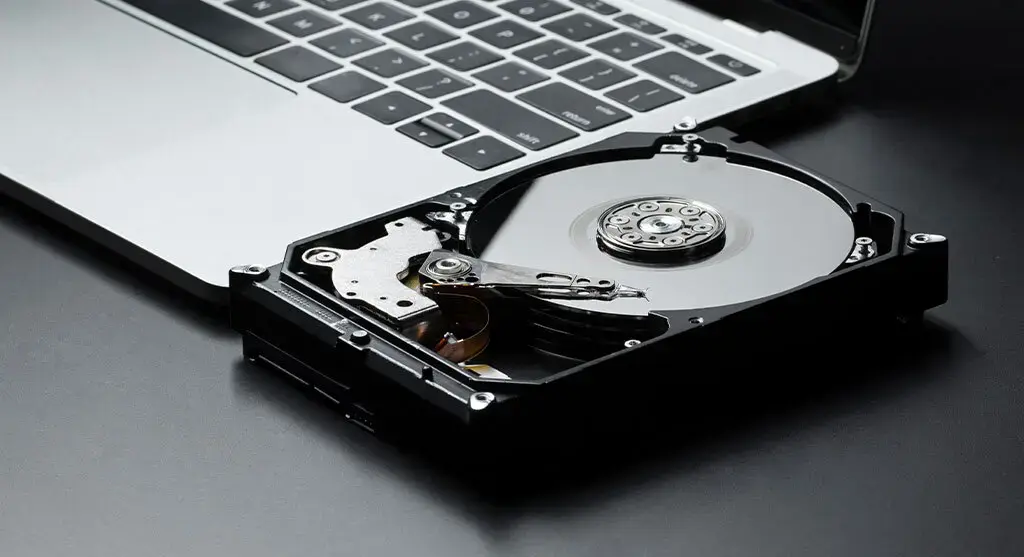
Laptop Data Recovery
Recovery from crashed or unbootable laptops, including failing internal drives and encrypted systems, for all major brands.
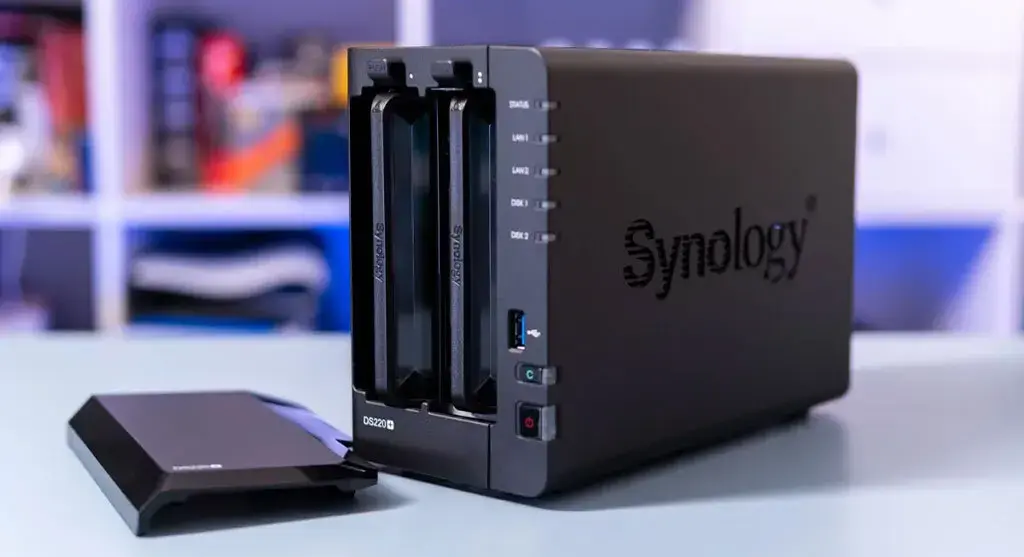
NAS Data Recovery
Recovery from offline or degraded NAS devices from Synology, QNAP, WD, and other brands, including RAID and file system rebuilds.
SAN Data Recovery
Recover enterprise data from SAN environments affected by failed HBAs, corrupt LUNs, storage network issues, controller faults, or inaccessible volumes. 24/7 critical support available.
SD Card Data Recovery
Recover photos, videos, and files from SD, microSD, CF, and memory cards affected by accidental deletion, formatting, water damage, corrupt sectors, or read errors.
Data Recovery Labs in Manitoba
No matter where you are in Manitoba, our data recovery specialists are ready to handle critical data loss scenarios with precision and security. Whether you are dealing with accidental deletion, drive formatting, file corruption, hard drive failure, SSD malfunction, water damage, RAID issues, or ransomware-related data loss, our team has the tools and expertise to recover your files safely.
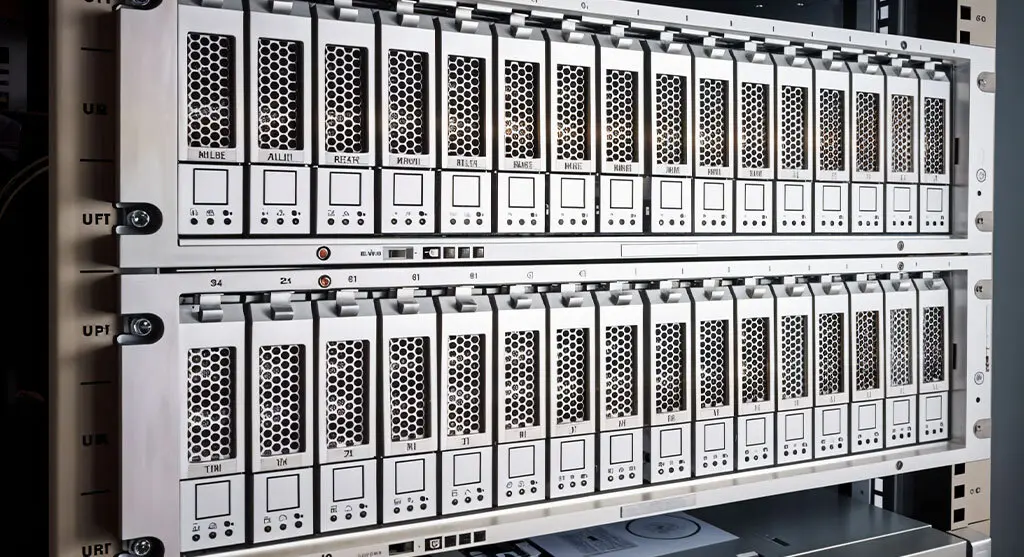
RAID Data Recovery in Manitoba
RAID failure can stop business operations fast. Failed rebuilds, multiple disk failures, controller problems, degraded arrays, and accidental configuration changes can put critical files at risk.
PITS Data Recovery provides RAID recovery services in Manitoba for RAID 0, RAID 1, RAID 5, RAID 6, RAID 10, NAS, SAN, and server storage systems. Our engineers review the array structure, drive order, parity, file system, and failure pattern before recovery begins.
If your RAID array has failed, do not rebuild it again, initialize the volume, replace multiple drives, or run repair utilities. These actions can overwrite important metadata and reduce recovery chances.
Common RAID Failure Signs
Recognising early RAID failure signs can prevent severe data loss and allow for timely intervention. Look for these common indicators:
Unusual Noises
Clicking, grinding, or humming sounds from the RAID array often signal mechanical issues with the drives and may precede failure.
Error Messages
Frequent error messages or system alerts about RAID configuration issues or disk errors are significant red flags.

Degraded Performance
Slow system performance, long load times, or unresponsive apps often indicate a degraded RAID system, typically due to a failed drive.

Missing Drives
RAID arrays need all drives operational. If the system doesn’t recognise one or more drives, immediate attention is required for the failure.
Hard Drive Recovery in Manitoba
Hard drive failure can happen suddenly. A drive may click, freeze, run very slowly, ask to be formatted, or stop appearing on your computer. When this happens, continued use can make the damage worse.
Our Manitoba data recovery service supports internal and external hard drives affected by physical damage, bad sectors, firmware issues, file system corruption, accidental deletion, and formatting.
If your hard drive is making unusual noises or is not detected, power it off. Do not run repair tools or recovery software before a professional evaluation.